How QR Menus and Digital Menu Boards Should Work Together
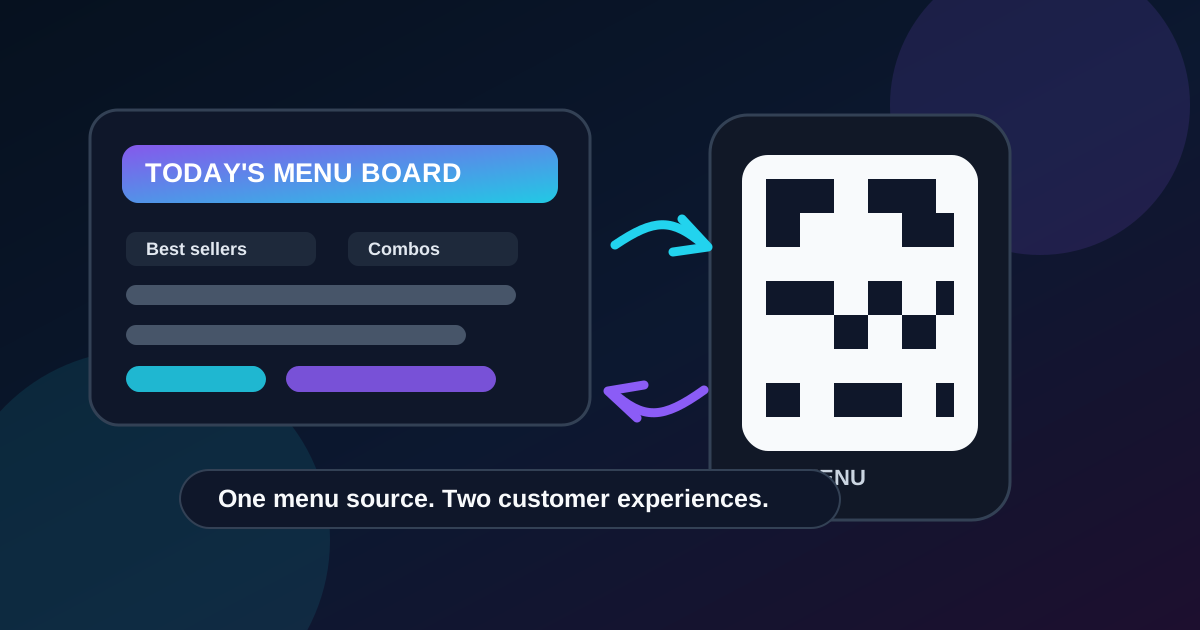
QR menus and digital menu boards solve different parts of the same problem. A digital menu board helps guests decide quickly from a distance. A QR menu gives them detail when they want to slow down, compare options, check ingredients, or browse from the table. Restaurants get the best result when both formats feel like one menu system instead of two separate projects.
The common mistake is treating the QR code as a dumping ground. The wall board shows the popular items, while the QR menu has every modifier, old special, outdated price, and long description the team did not know where to put. Guests notice the mismatch. Staff have to explain which version is correct. The restaurant loses the speed and confidence that digital menus are supposed to create.
Give each menu format a clear job
The wall board should answer the high-speed questions: what are the main categories, what are the best sellers, what are the prices, and what should I order if I am ready now? It needs fewer words, larger type, strong hierarchy, and enough spacing to read from the line.
The QR menu should answer the deeper questions: what comes on this item, what can be changed, what allergens should I know about, what are the drink options, and what else does the restaurant offer? It can support longer descriptions, expanded photography, nutrition notes, catering links, and specials that do not belong on the main board.
Keep the core menu identical
The names, prices, category order, and availability status should match across both formats. If the digital board says the spicy chicken bowl is 13.50 and the QR menu says 12.95, the customer will not care which one is right. They will only know the restaurant looks disorganized. That uncertainty slows the line and creates awkward moments for staff.
Use one internal source of truth for the core menu whenever possible. Even if updates are handled manually, the workflow should be disciplined. Price changes, item removals, limited-time offers, and sold-out messages should be changed in both places during the same update window. A simple update checklist can prevent most errors.
Use the board to guide, not overwhelm
A good menu board does not need to show every option. In fact, trying to fit the entire QR menu onto a screen usually makes both formats worse. The board should guide customers toward the decisions that matter most for speed and revenue. That usually means best sellers, profitable combos, daypart items, drinks, and a small number of specials.
The QR menu can then carry the supporting detail. For example, a board might show "Turkey Club" with a short line and price. The QR menu can list bread choices, sauce options, side substitutions, allergy notes, and a larger photo. Guests who know what they want can order from the board. Guests who need detail can scan without stopping everyone else.
Make the QR code placement intentional
QR codes are often placed wherever there is leftover space. That is rarely the best choice. A QR code on a menu board should be large enough to scan from the intended distance, surrounded by quiet space, and paired with a clear reason to scan. "Scan for ingredients and full menu" is better than a lonely square with no context.
For counter service, consider placing the QR code near the start of the line or on small table tents rather than only on the main board. Guests can scan while waiting instead of waiting until they reach the cashier. For dine-in service, table placement matters more than wall placement. The goal is to put the code where the customer naturally has time to use it.
Match descriptions to the screen size
Digital menu boards need short, useful descriptions. A wall-mounted screen is not the place for a full paragraph about a sandwich. Focus on the ingredients that change the decision: protein, flavor profile, heat level, included side, or signature sauce. Use the QR menu for the expanded description and ingredient list.
This split also makes the restaurant sound more confident. The board stays clean and easy to scan. The QR menu rewards the guest who wants more information. Both experiences feel designed instead of cramped.
Plan for specials and sold-out items
Specials are where mismatched menus cause the most frustration. If a seasonal drink appears on the QR menu but not the board, guests may miss it. If it appears on the board after it sells out but not in the QR menu, staff have to disappoint people. Decide ahead of time how specials move through the system.
A useful workflow is simple: create the special in the QR menu first, add it to the board only when staff are ready to sell it, then remove or mark it unavailable in both places when inventory runs low. For limited items, the board can say "while supplies last" while the QR menu carries the full description and any substitutions.
Use QR menus for accessibility and trust
QR menus can make the experience better for customers who need larger text, more time, or clearer ingredient information. They are also useful for customers with allergies or dietary preferences, as long as the information is maintained carefully. Do not promise allergen certainty unless the operation can support it. Clear ingredient notes, staff confirmation prompts, and contact information are more responsible than vague claims.
Make sure the QR menu works well on a phone. Text should be readable without pinching. Categories should be easy to jump between. Prices should not be hidden behind taps. PDF menus are usually a weak experience on mobile because they force customers to zoom, pan, and hunt. A simple mobile page is usually better.
Measure the combined experience
The goal is not to make customers scan for everything. The goal is to help different customers make decisions at different speeds. Track whether the system improves order time, reduces repetitive questions, increases attachment rates for drinks or sides, and lowers complaints about outdated prices or unavailable items.
Ask staff what they still have to explain. If they keep answering the same question, decide whether that answer belongs on the board, in the QR menu, or both. Menus improve fastest when the team treats customer questions as layout feedback.
The bottom line
QR menus and digital menu boards should not compete. The board is for fast decisions and guided attention. The QR menu is for detail, browsing, and confidence. When the two share names, prices, availability, and a clear update process, customers get a smoother experience and staff spend less time explaining the menu.
Start by deciding what each format is responsible for. Then keep the core menu synchronized, place QR codes where guests can actually use them, and review the system any time prices, specials, or categories change. A connected menu workflow is quieter than a pile of signs, and it works better.
Need a cleaner menu workflow?
Zenith Digital Menus designs, installs, and updates restaurant menu screens so your digital boards and QR menus support the same customer journey.
Get a free consultation or call 916-960-3519.