Digital Menu Board Design Systems: A Practical Guide for Restaurants
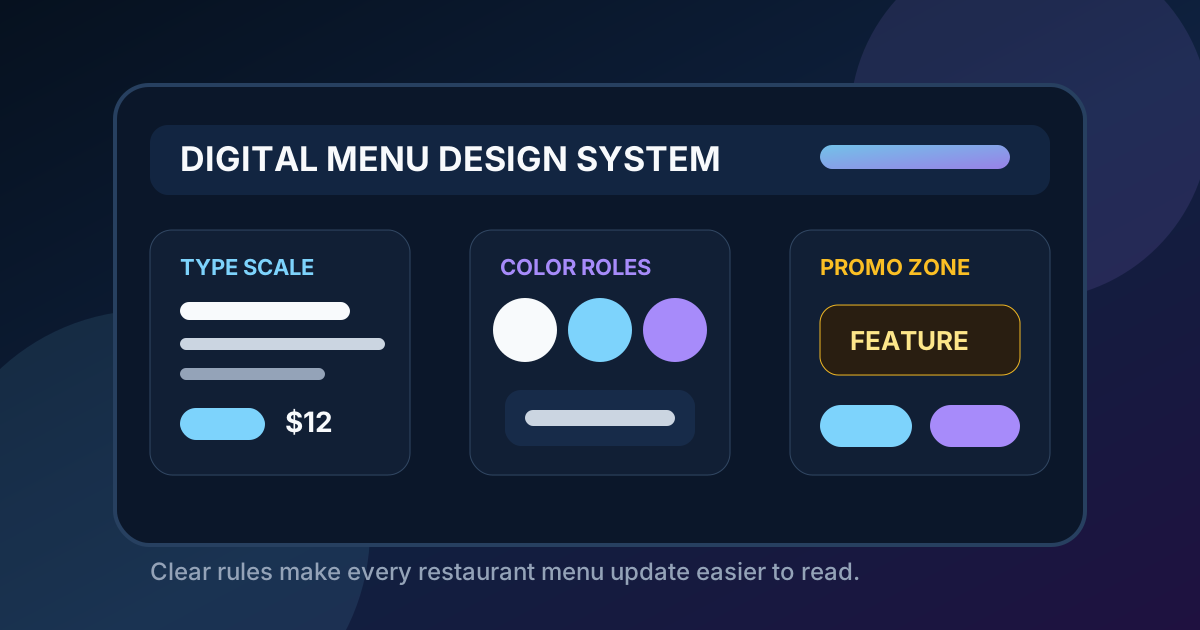
A digital menu board design system sounds like something only a large restaurant chain needs. In practice, it is just a reusable set of rules for how your menu screens should look, read, and change over time. It helps a cafe, pizza shop, bar, food truck, or quick-service restaurant avoid the most common digital menu problem: every update slowly makes the board messier.
Without a design system, the first version of a digital menu might look clean. Then a seasonal drink gets added. A price changes. A combo gets renamed. A new photo is dropped in. A limited-time offer needs space. After a few months, the screen can become a patchwork of different font sizes, inconsistent spacing, mismatched colors, and unclear promotions. Guests do not know where to look, staff answer more questions, and the restaurant loses the advantage of having a flexible digital menu.
A good design system keeps the board useful as the business changes. It does not need to be complicated. The goal is to create simple standards that make every future update faster and safer: type sizes, section hierarchy, color use, photo rules, price formatting, promo zones, and a quick review checklist before anything goes live.
Start with the customer path, not the screen size
The first design decision should be based on how customers move through the restaurant. A menu board near the entrance has a different job than a menu board above the register. A drive-thru preview screen has a different job than the final order confirmation area. Even in a small restaurant, guests usually pass through stages: noticing the menu, choosing a category, comparing two or three items, checking price, and deciding whether to add a drink, side, or upgrade.
Your design system should define what each screen type is responsible for. The main ordering board should make core categories and best sellers easy to understand. A secondary board can carry drinks, desserts, add-ons, photos, or seasonal items. A QR menu can hold deep details such as modifiers, ingredients, nutrition notes, and full descriptions. When every channel has a role, the main screen does not need to carry every piece of information.
Create a type scale that survives real distance
Typography is where many restaurant menu boards fail. Designers often judge the board from a laptop or from a few feet away. Customers read it from across the room, under glare, while the line is moving. Your design system should include a type scale with specific sizes for category labels, item names, descriptions, prices, callouts, and fine print.
Keep the scale simple. For example, category labels should be the largest or second-largest text on the screen, item names should be clearly readable from the typical line position, prices should be close to the item names, and descriptions should be short enough to remain legible without crowding. Fine print should be rare. If an item requires a long explanation, it may belong in a QR menu or cashier prompt rather than on the main board.
Use a consistent grid for every update
A grid is the invisible structure that keeps a menu from feeling chaotic. It determines where categories sit, how item rows align, how prices line up, and where promotional tiles can appear. Without a grid, every change becomes a new design decision. With a grid, updates are faster because the available spaces are already defined.
For a single-screen restaurant menu, the grid might include three columns: entrees, combos, and drinks or sides. For a two-screen setup, one screen might use a category grid while the other uses large feature tiles. For a coffee shop, the grid might separate espresso, cold drinks, food, and seasonal specials. The exact layout matters less than consistency. Guests learn the structure quickly when it behaves the same way each time they visit.
Define color roles before adding brand flair
Brand colors are useful, but they need assigned jobs. A bright accent color can highlight best sellers, seasonal items, or a call-to-action. If that same color is also used for random decoration, category headers, every price, and every border, it loses meaning. The design system should define a small set of color roles: background, panel, primary text, secondary text, accent, warning or limited-time marker, and disabled or unavailable state.
Contrast should be treated as a functional requirement, not a style preference. Text needs to remain readable in the actual restaurant environment. Avoid placing small text over food photos, gradients, or busy textures. If photos are part of the brand, use them as dedicated image blocks or behind a strong overlay. The menu should still work when a guest is standing in glare or looking up from the middle of the line.
Set rules for food photography
Food photos can make a digital menu more appealing, but they can also make it harder to use. A design system should answer three questions: which items deserve photos, how large photos should be, and how often they should change. The best photo is usually not the one that looks most dramatic. It is the one that helps a guest choose faster and feel confident about the order.
Use photos for high-margin items, unfamiliar items, best sellers, seasonal specials, and combos where the value is easier to understand visually. Avoid giving every item a small thumbnail. Tiny images can add clutter without helping the decision. If photography quality is uneven, use fewer photos and make those photos larger and more intentional.
Standardize price and modifier formatting
Price confusion slows ordering. A design system should define how prices appear for single items, sizes, combos, add-ons, substitutions, and limited-time offers. Prices should be close to the relevant item, aligned consistently, and large enough to read from the same distance as the item name.
Modifier pricing needs special care. If a premium protein, extra topping, milk alternative, or larger size changes the total, the menu should show that relationship clearly. Do not bury important price changes in footnotes. A clean pattern such as "Add avocado +2" or "Make it a combo +4" is easier for guests and staff than scattered notes across the board.
Reserve zones for promotions and upsells
Digital menus are great for promotions because they can change quickly. That flexibility is also risky. If every promotion gets placed wherever there is space, the board will feel inconsistent. Instead, reserve one or two zones for upsells and limited-time offers. A combo prompt might always sit near the entree section. A seasonal feature might always live in the top-right tile. A dessert or drink upgrade might always appear near the end of the ordering path.
This makes promotions easier to notice without making the menu feel pushy. Guests learn where to look for what is new, and staff can explain specials with less friction. It also prevents the common mistake of highlighting too many things at once. A useful menu system forces prioritization.
Build an update checklist
The best design system includes a short checklist for every menu change. Before publishing, review the board from the customer position, not just on a computer. Check that the new item fits the grid, the price is clear, the category still makes sense, the contrast is strong, and no important item was crowded out. If the update adds a limited-time offer, confirm when it should come down.
A checklist is especially helpful when more than one person can request changes. Owners, managers, marketing teams, and staff may all have ideas for the menu. The design system gives everyone a shared standard. The question becomes not "Can we fit this somewhere?" but "Does this improve the guest decision and fit the system?"
Keep the system simple enough to use
A design system should make updates easier, not create paperwork. Start with one page of rules: type scale, color roles, grid, photo standards, price formatting, promo zones, and the update checklist. Improve it only when a real problem appears. If staff keep asking where to place sold-out items, add a sold-out rule. If seasonal menus keep crowding the board, create a seasonal layout. Let the system grow from actual restaurant needs.
The payoff is consistency. Guests see a menu that feels familiar, clear, and current. Staff handle fewer repeat questions. Owners can update prices, specials, and photos without redesigning the board every time. Most importantly, the digital menu remains a service tool instead of turning into another screen full of clutter.
Want a digital menu system that stays easy to update?
Zenith Digital Menus designs, installs, and manages digital menu boards with clear layout rules, readable pricing, and practical update workflows. Request a consultation.