Restaurant Menu Content Calendar: Plan Specials Without Last Minute Scrambles
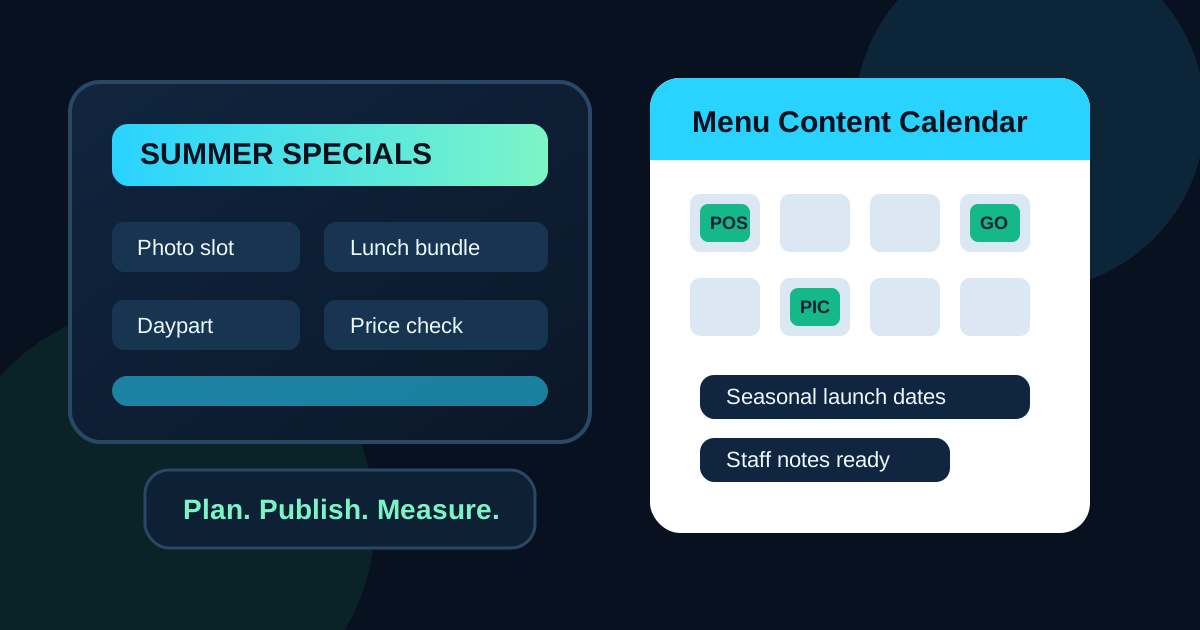
Seasonal specials should feel fresh to guests, not chaotic to the team running the restaurant. Yet many restaurants still update menus in a rush. A supplier calls about berries, a manager wants to launch a summer drink, the kitchen needs to move extra chicken, and suddenly someone is editing a menu board five minutes before service. That is when prices get missed, photos look wrong, staff explanations fall apart, and guests see a promotion that is not ready.
A restaurant menu content calendar solves that problem. It gives the team a simple planning rhythm for what will appear on digital menu boards, QR menus, printed inserts, counter signs, and social posts. The goal is not to create more meetings. The goal is to make menu changes predictable enough that operations, pricing, photography, and staff training all happen before customers start ordering.
Start with the restaurant calendar, not the design file
The best menu content calendar begins with real business events. List holidays, local events, sports seasons, school breaks, weather shifts, catering peaks, tourist periods, and known supplier windows. A pizza shop might plan around football weekends and graduation parties. A cafe might plan around pumpkin drinks, finals week, and summer cold brew. A fast casual restaurant might plan family bundles before long weekends.
Once those moments are visible, the menu board becomes easier to manage. Instead of asking what should we promote today, the team can ask what guests will care about next week. That small shift improves every update. Specials become timely, staff can prepare, and the kitchen has a better chance of matching demand.
Give each campaign a clear purpose
Not every special should have the same job. Some are designed to lift average ticket. Some move seasonal inventory. Some introduce a new item. Some reduce pressure on the kitchen during peak hours. Some are there to create a reason for regulars to come back. If the purpose is unclear, the menu board usually becomes cluttered with offers that fight for attention.
For each planned update, write one sentence that explains the goal. For example: sell more high-margin drinks during the afternoon lull, move a seasonal ingredient before the supplier window ends, promote family meals on Friday evenings, or make a new sandwich easier to understand. This purpose guides placement, wording, pricing, and photography. It also gives the team a way to judge whether the update worked.
Plan the work backward from launch day
A menu update is more than changing text on a screen. The item must be costed, priced, photographed if needed, entered correctly in the POS, tested by the kitchen, explained to staff, and checked on every menu surface. Work backward from the day the special should appear. Even a small update usually needs more lead time than the team expects.
Separate evergreen items from temporary promotions
A content calendar should protect the core menu from constant churn. Guests need familiar anchors. If the screen changes too much, regulars spend more time searching and staff spend more time answering basic questions. Keep best sellers, signature items, major categories, and ordering logic stable unless there is a real reason to change them.
Use temporary zones for limited-time offers, seasonal drinks, add-ons, and bundles. These zones can rotate while the rest of the board stays familiar. A dedicated special panel, a photo slot, or a small daypart banner gives the restaurant flexibility without making the whole menu feel unstable. This is especially important for drive-thru and counter-service menus where customers need to decide quickly.
Build photo tasks into the calendar
Food photos cause many rushed menu updates. A special is approved, the board needs an image, and the only available photo is a dim phone snapshot from the prep table. The better approach is to plan photo needs as part of the calendar. If a visual will help guests understand or crave the item, schedule the photo before the menu update is due.
Not every item needs a photo. Use images where they reduce uncertainty or improve appetite appeal. New items, premium upgrades, desserts, drinks, family bundles, and shareable sides are strong candidates. Make sure the photo matches current plating, packaging, portion size, and garnish. A beautiful photo that does not match the delivered item creates disappointment and slows trust.
Match promotions to dayparts
A single all-day promotion is easy to manage, but it is often not the most profitable choice. Breakfast customers may respond to coffee pairings, lunch customers may need speed and combo clarity, afternoon guests may be open to snacks and drinks, and dinner customers may care about bundles or family portions. A digital menu content calendar should mark which dayparts each promotion belongs to.
This keeps the board focused. The morning screen does not need dinner bundles. The dinner screen does not need every breakfast modifier. The late afternoon screen may have room for a drink and snack offer that would be ignored during the lunch rush. Planning by daypart makes each screen feel more relevant and keeps guests from sorting through items they cannot order.
Connect pricing and POS checks to every update
Menu calendars are useful only if they prevent mistakes. Every planned update should include a pricing check and a POS check. Confirm the item name, price, modifiers, sizes, tax treatment where relevant, kitchen routing, and any combo rules. Then compare the POS to the menu board before launch. If the screen and register disagree, the customer experience breaks.
Restaurants should also include an end date for every limited-time item. Without an end date, old specials linger on screens, staff forget what is active, and customers ask for items that are no longer available. A clear start date and end date lets managers remove promotions before they become a problem.
Use staff notes as part of the calendar
Menu changes succeed when staff know how to talk about them. Add a small staff note for each campaign. It can include the item description, the best upsell, the expected guest question, and any availability limits. This does not need to be long. Two or three practical bullets are usually enough.
For example, a seasonal lemonade might include: available in regular and large, pairs well with the lunch combo, contains fresh mint, promote after 2 p.m. when drink sales dip. That short note helps cashiers, servers, and managers support the screen instead of treating it like separate marketing.
Review results before planning the next cycle
A calendar is not just a publishing schedule. It is a learning tool. At the end of each week or month, review what changed and what happened. Did the featured item sell more? Did average ticket improve? Did staff report fewer questions or more confusion? Did the kitchen handle the demand comfortably? Did the promotion run too long or end too early?
Keep the review simple. Record the promotion, dates, placement, goal, and outcome. Over time, patterns become obvious. The restaurant learns which photos sell, which bundles work, which dayparts respond, and which seasonal ideas create operational stress. Those lessons make the next calendar more useful.
A simple monthly menu calendar structure
For most restaurants, a basic monthly calendar is enough. Week one can focus on confirming upcoming specials and required photos. Week two can finalize pricing and POS setup. Week three can prepare staff notes and screen layouts. Week four can review performance and plan the next cycle. Restaurants with frequent specials can use the same structure weekly.
The important part is consistency. Menu updates should not depend on whoever remembers at the last minute. A shared calendar gives owners, managers, kitchen leads, and marketing staff one source of truth. It turns digital menu updates into a controlled operating process instead of a recurring scramble.
Turn planning into better guest experience
Guests do not see the calendar behind the menu. They see the result. They see whether the special is clear, whether the price is accurate, whether the photo matches the food, and whether staff can answer questions with confidence. A good content calendar makes all of those details easier to manage.
Use the calendar to plan seasonal moments, assign owners, schedule photos, confirm prices, choose dayparts, prepare staff notes, and review results. The payoff is a digital menu that feels current without feeling chaotic. That is better for guests, easier for staff, and more profitable for the restaurant.
Need a cleaner menu update process?
Zenith Digital Menus designs, installs, and manages restaurant digital menu boards so seasonal updates, dayparts, and specials stay clear and easy to maintain. Request a consultation.