How to Build a Seasonal Menu Update Calendar That Actually Sells
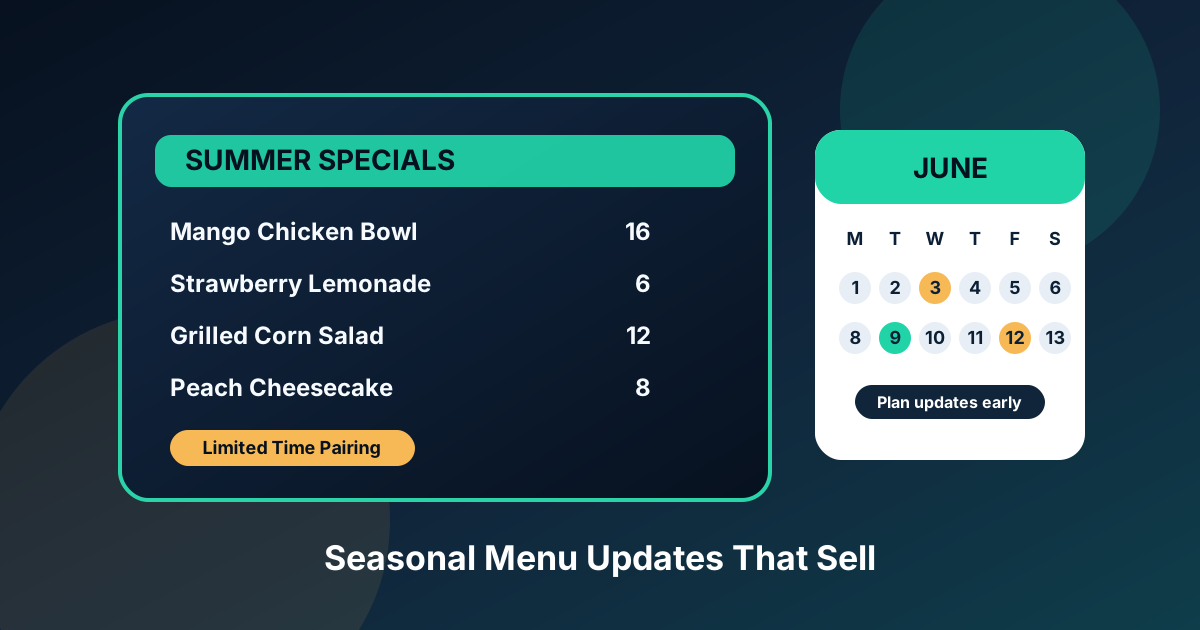
Seasonal menu updates are one of the easiest ways for a restaurant to feel fresh without reinventing the whole operation. A summer drink, a fall dessert, a winter soup, or a limited-time combo can give regulars a reason to come back and give new guests something memorable to order. The problem is that many restaurants treat seasonal updates like a last-minute design chore instead of a repeatable sales system.
A good seasonal menu calendar fixes that. It gives the kitchen enough time to test recipes, gives the manager enough time to price and train staff, and gives the menu layout enough space to promote the right items. Whether you use printed menus, QR menus, digital menu boards, or all three, the calendar is what keeps updates from becoming messy.
Start with the buying moment, not the holiday
Most restaurant owners begin with the obvious dates: Valentine’s Day, Cinco de Mayo, summer, Halloween, Thanksgiving, and the December holidays. Those dates matter, but the better question is what the guest is trying to buy in that season. A hot week changes drink demand. A rainy month changes soup and comfort food demand. Graduation season changes catering and group order demand.
Build your calendar around guest intent. For each season, write down the occasions that bring people in, the weather that changes cravings, and the margin categories you want to push. A cafe might focus on iced drinks and grab-and-go breakfast during summer. A pizza shop might focus on family bundles during back-to-school weeks. A bar might focus on shareable appetizers before big sports weekends.
Use a 6-week planning rhythm
Seasonal updates work best when they are planned six weeks before launch. That sounds early, but it prevents the most common problems: rushed photos, unclear pricing, staff confusion, and menu boards that are too crowded. A simple rhythm looks like this:
- Six weeks out: choose the seasonal theme, target items, price range, and launch date.
- Five weeks out: test recipes, portion sizes, prep steps, and ingredient availability.
- Four weeks out: calculate food cost, set prices, and decide which items deserve featured placement.
- Three weeks out: photograph the hero items and write short descriptions.
- Two weeks out: update menu designs, QR menus, printed inserts, and digital boards.
- One week out: train staff on names, modifiers, allergens, upsells, and what to recommend.
This does not need to be complicated. A shared spreadsheet or calendar is enough. The key is assigning an owner to each step. If nobody owns the menu photo, it will be taken under bad lighting five minutes before launch. If nobody owns the price check, the item may sell well while quietly hurting margin.
Pick fewer specials and promote them harder
The strongest seasonal menus are usually smaller than operators expect. Three to five limited-time items are easier for guests to understand, easier for staff to sell, and easier to feature clearly on menu screens. A long seasonal list can look exciting internally, but it often creates decision fatigue at the counter.
Think in categories instead of volume. A balanced update might include one entree, one side, one drink, and one dessert. If you run a quick-service restaurant, consider one bundle that packages the best combination together. If you run a bar, build one seasonal cocktail and one food pairing that staff can recommend in the same sentence.
Design around the items you want to sell
Seasonal updates should not be squeezed into whatever blank corner is left on the menu. Placement is part of the strategy. If the goal is to sell a higher-margin bowl, give it a photo, a short description, and a strong position near similar items. If the goal is to attach a drink to lunch orders, place the drink visually near the lunch combo, not on a separate drink page where guests may never look.
For digital menu boards, keep the seasonal section readable from the actual ordering distance. A guest standing ten feet away should be able to understand the item name, price, and basic appeal quickly. Use short descriptions. Lead with the ingredient or benefit that creates craving. “Strawberry basil lemonade” works harder than “seasonal beverage.”
Schedule daypart changes when they help the guest
Seasonal content often performs better when it appears at the right time of day. Breakfast guests may care about iced coffee and pastry bundles. Lunch guests may care about fast combos. Dinner guests may care about family meals, desserts, or premium add-ons. If your menu can change by daypart, use that flexibility to reduce clutter.
The point is not to animate everything or constantly rotate screens. The point is relevance. A clean lunch board at noon will usually outperform a board trying to show breakfast, lunch, dinner, catering, happy hour, and dessert all at once.
Measure three simple numbers
You do not need enterprise analytics to know whether a seasonal update worked. Track three numbers before, during, and after the promotion:
- Item mix: what percentage of orders included the featured seasonal item?
- Average order value: did the seasonal layout increase the average ticket?
- Attachment rate: did more guests add the drink, side, dessert, or upgrade you promoted?
Review the results within one week of the promotion ending. Keep the winners in a “repeat next year” list. Cut the items that were hard to prep, low margin, or confusing to explain. Over time, your seasonal calendar becomes a proven playbook instead of a guessing game.
Build a reusable seasonal menu template
The first seasonal update takes the most effort. After that, create a reusable template with space for one hero item, two supporting items, a bundle, and one staff-recommended add-on. This keeps every future launch faster and more consistent. It also protects readability because you already know how much copy and how many photos the design can handle.
Restaurants that update menus regularly should treat design files, photos, item descriptions, allergen notes, and launch dates as assets. Keep them organized. Next year, you can refresh the offer instead of starting from zero.
The bottom line
A seasonal menu update is not just a graphic change. It is a sales opportunity with timing, pricing, operations, staff training, and layout all working together. The restaurants that get the best results plan early, promote fewer items, design around margin, and measure what happened.
If your seasonal specials are still living on handwritten signs, rushed printouts, or overcrowded menu boards, start with one simple calendar. Plan the next update six weeks out, choose one clear goal, and give the items enough visual priority to sell.
Need seasonal digital menu updates handled for you?
Zenith Digital Menus designs, installs, and updates restaurant menu screens so your specials stay clear, current, and easy to sell.
Get a free consultation or call 916-960-3519.